Published on:
4 min read
By Noah Parker · Routines & Habits Writer
My Journey to a More Organized Digital Workspace
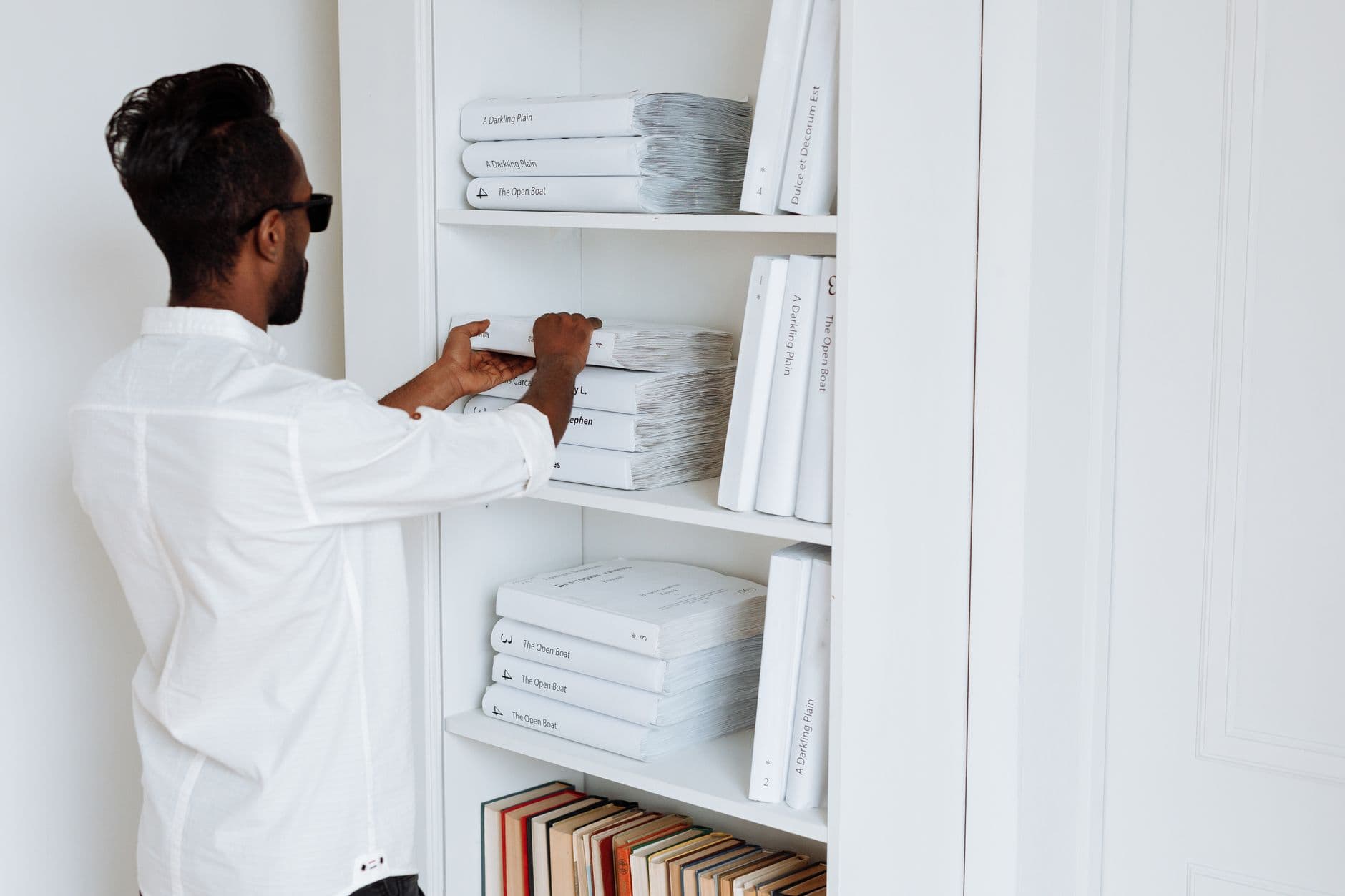
I decided to organize my digital workspace to mirror my physical desk setup, and the results were remarkable. This journey taught me the importance of treating digital clutter with the same seriousness as physical clutter.
Why I Decided to Tidy Up My Digital Workspace
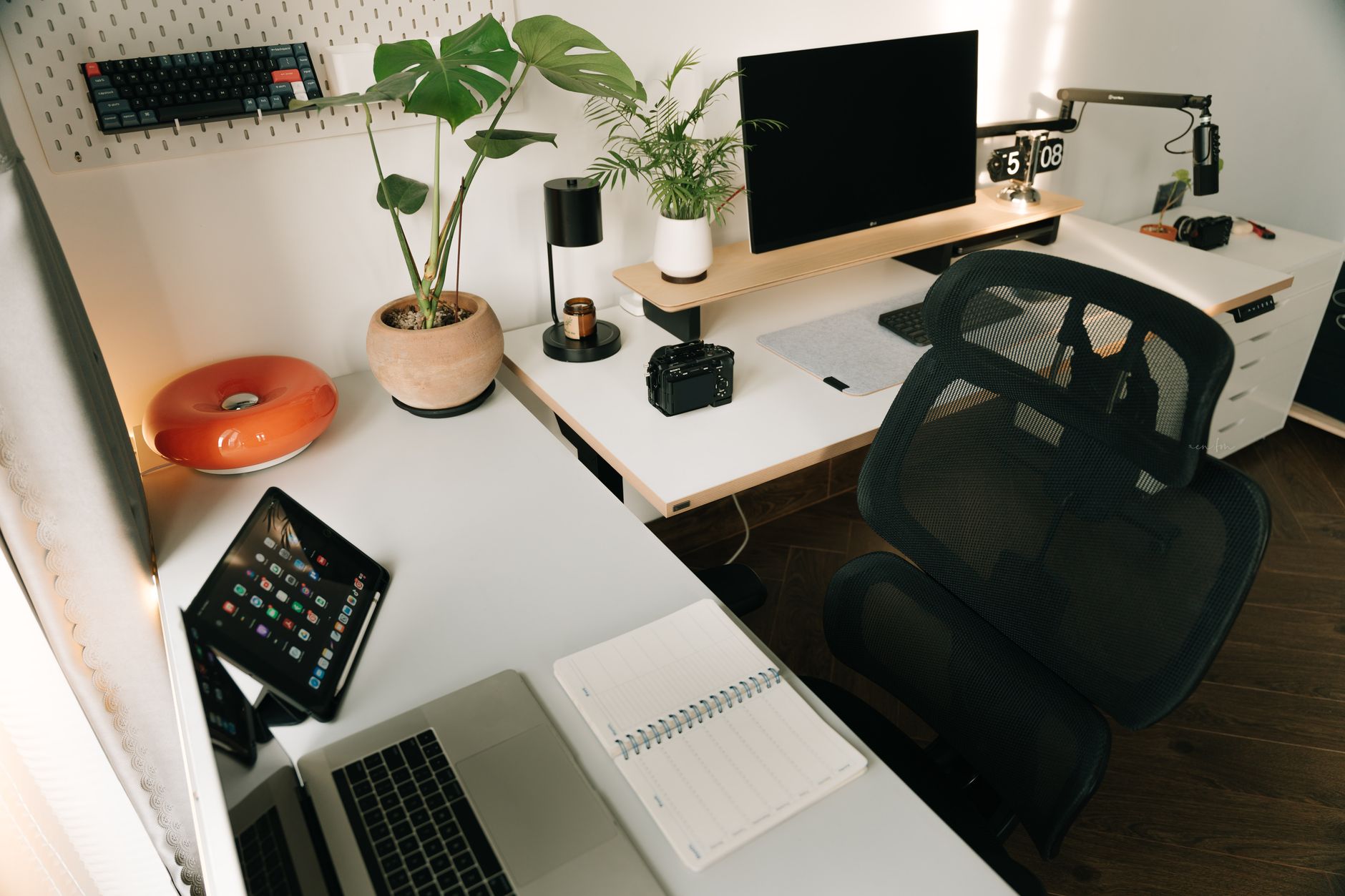
For years, I took great pride in having a meticulously organized physical workspace. My desk was always clear, files were neatly filed, and supplies were stored away in labeled containers. Yet, when it came to my digital workspace, chaos reigned. My desktop was cluttered with random files, my email inbox had more than 2,000 unread messages, and I had no consistent folder structure. I realized that my digital disarray was hindering my productivity and decided to make a change.
This article is my journey through transforming my digital workspace to reflect the orderliness of my physical desk. I’ll share the specific steps I took, the tools I used, and how this transformation improved my efficiency and reduced my stress levels. By the end, you’ll discover practical tips that you can implement to bring order to your own digital environment.
Implementing a Folder System That Works
The first step in my digital decluttering journey was to implement a folder system that mirrored my physical filing cabinet. I started by creating a 'Master Folder' system on my desktop, dividing it into main categories like 'Work', 'Personal', 'Projects', and 'Archives'.
Within each main folder, I created subfolders. For instance, under 'Work', I had folders for each major project, labeled by client name or project type, which is exactly how my physical files are arranged. This structure didn’t happen overnight. It took about three hours initially to sort through and refile my digital documents into this new system, and I dedicated 30 minutes each week thereafter for maintenance.
An unexpected benefit was how much faster I could locate files. Before, I’d waste several minutes searching for a document, often getting sidetracked. Now, everything has a place, and I know exactly where to find each file. This system also reduced the anxiety of potentially losing important documents, as I now backed up vital files to cloud storage immediately after organizing them.
Managing Email Like a Pro
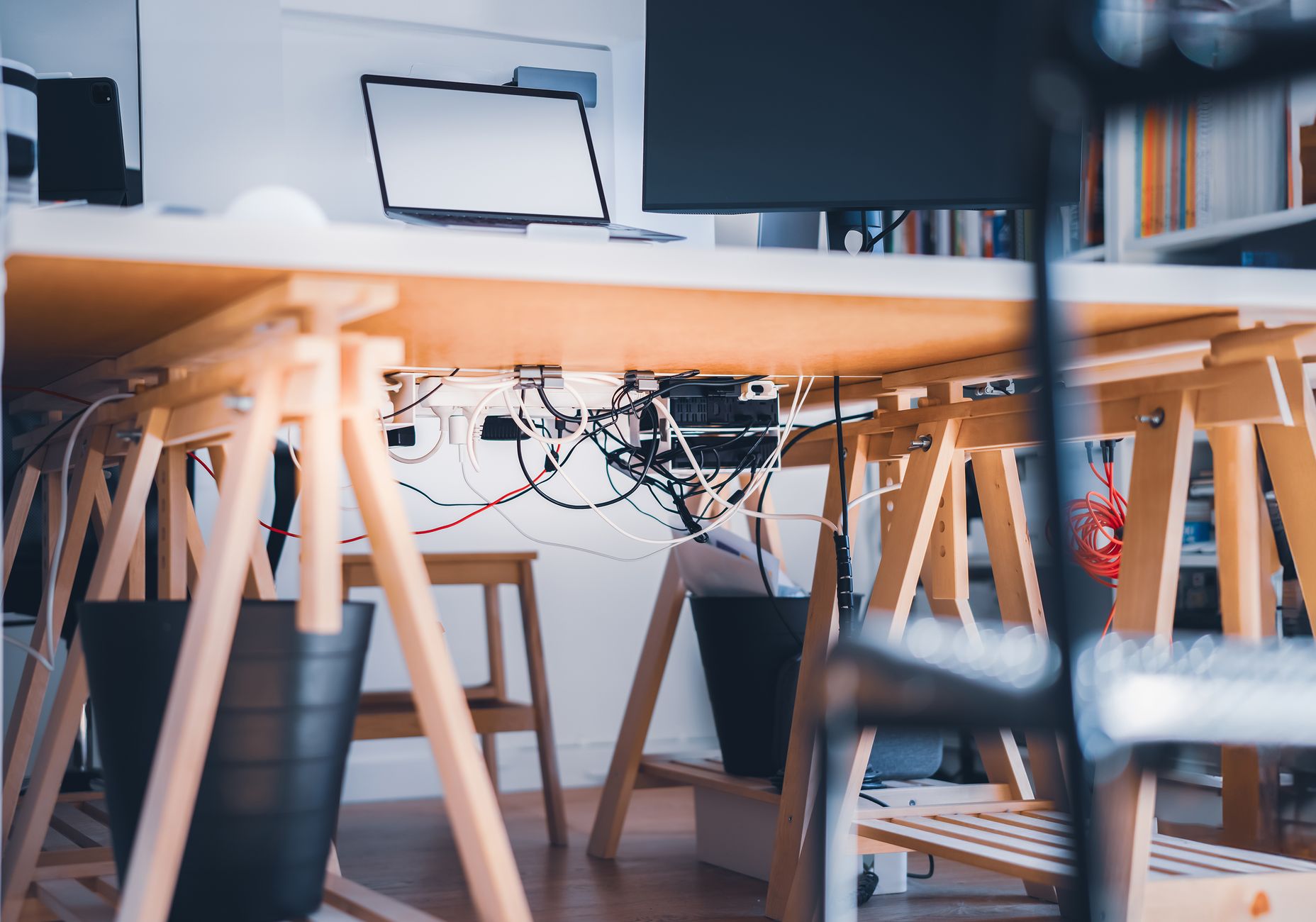
Tackling my email inbox was the next priority. With over 2,000 unread emails, this felt like climbing a mountain. I started with a drastic measure: archiving all emails older than three months. This might sound extreme, but I rarely needed to revisit old emails.
Next, I set up filters and labels. I categorized incoming emails immediately with labels like 'Action Required', 'Reference', and 'Waiting For'. My goal was to keep my inbox to fewer than 50 emails at any time. During the first week, I struggled to keep up, often hitting around 100 emails. By setting aside two 15-minute blocks each day to process emails, I finally reached my target by the end of the month.
Having a system in place made a huge difference in my daily routine. I no longer dreaded checking my email, and my response times improved significantly, which my colleagues noticed and appreciated. I also unsubscribed from numerous newsletters and promotional emails that only added to the clutter. This streamlined my communications and helped maintain a manageable inbox.
Digital vs. Physical Organization: A Comparative Look
The exercise taught me that digital organization requires just as much vigilance as physical organization. While digital files don’t spill over onto the floor, their invisibility can lead to a different kind of messiness—a mental clutter. In both realms, regular upkeep is essential to maintain an efficient workflow.
| Aspect | Physical Workspace | Digital Workspace |
|---|---|---|
| Space Required | Tangible, needs room | Virtually unlimited |
| Visibility | Always visible and present | Often hidden, out of mind |
| Organization Tools | Folders, bins, labels | Folders, labels, filters |
| Maintenance | Regular cleaning needed | Regular digital sorting needed |
Practical Steps to Organize Your Digital Workspace
Here’s a step-by-step guide to organize your digital space, whether you're starting from scratch or refining your system:
- Assess your current digital clutter and decide what needs organizing.
- Develop a folder hierarchy that reflects your work and personal needs.
- Allocate a specific time each week for digital maintenance.
- Implement email filters to automatically sort incoming mail.
- Use cloud storage judiciously to keep local storage free from clutter.
- Regularly back up important files to avoid loss.
- Experiment with digital organization tools like Trello or Asana for project management.
Q&A: Common Questions About Digital Workspace Organization
Q: How long will it take to organize my digital workspace?
The time required depends on the current state of your workspace. It took me about three hours initially, with 30 minutes of maintenance weekly.
Q: What tools do you recommend for managing digital clutter?
I found utility in using cloud storage solutions like Google Drive and organization tools like Trello for project management.
Q: How do you keep your system from becoming cluttered again?
Stick to a regular maintenance schedule and be disciplined about where new files go as soon as they're created or received.
Q: Can I apply these principles to my smartphone or tablet?
Absolutely, similar organization principles can be applied to any digital device. The key is consistency across all platforms.
EditorialOur Take
Transforming my digital workspace to match my physical organizational habits was not just about aesthetics—it was about efficiency and peace of mind. The process was enlightening and reinforced the value of regular maintenance. This approach may not be necessary for everyone; if your digital life feels manageable, you might not need a complete overhaul. However, if you often find yourself overwhelmed by digital clutter, this strategy could provide the clarity you need.
I recommend this transformation to anyone feeling stressed by their digital environment. It requires commitment upfront but pays off in time savings and reduced stress. Whether you're a digital nomad or someone bound to a desk, creating a system that works for you can have lasting positive effects on your productivity and mental clarity.
Published on .
Share now!

Noah Parker
Routines & Habits Writer
Noah Parker writes about daily routines and the small habits that keep a home running. He is naturally messy and has built his routines specifically for people who don't enjoy chores. Noah shares what keeps things calm on ordinary weekdays. Noah uses AI tools to research, draft, and help keep these articles accurate.
More from Noah →The information on this site is of a general nature only and is not intended to address the specific circumstances of any particular individual or entity. It is not intended or implied to be a substitute for professional advice.
Get our best tips in your inbox
A short, practical email now and then. No spam, and you can unsubscribe anytime.