Published on:
4 min read
By Noah Parker · Routines & Habits Writer
Comparing Different Strategies for Managing Daily To-Do Lists
I tested digital and paper to-do lists to find out which method truly keeps me organized and focused. Here's what I discovered from my hands-on experience.
The To-Do List Dilemma
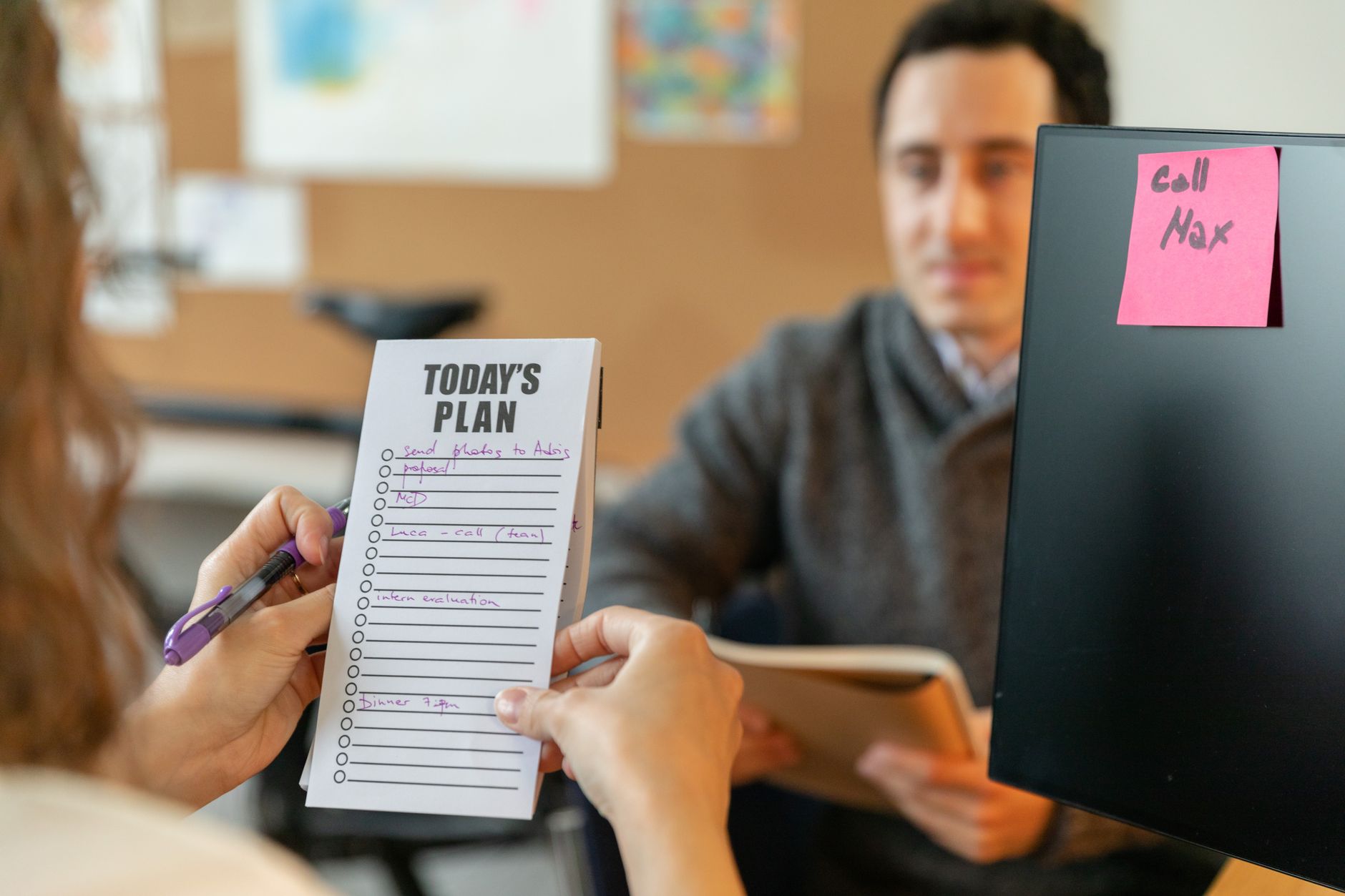
Every day begins with a whirlwind of tasks and the looming question: How do I manage my to-do list effectively? I've tried several methods over the years, from fancy digital apps to simple pen and paper, each with its own set of promises. In this article, I'll share my personal trials with both digital and paper to-do lists, highlighting what worked, what didn't, and where I found balance. You'll come away with practical insights that might just streamline your own daily hustle.
Testing the Digital Realm
I started my experiment with the popular digital app Todoist, which offers features like project categorization, priority setting, and reminders. For a month, I used it to plan my tasks, which averaged around 15 per day. One of the major advantages was accessibility; I could update my list on the go, whether on my phone or laptop. However, I found myself spending too much time tweaking the app settings and getting distracted by notifications. The app's analytics showed that I spent an additional 30 minutes a day managing my tasks rather than completing them. It was clear that while digital apps offer flexibility and convenience, they can also become a time sink if not used with discipline.
To further test the digital waters, I tried Microsoft To Do, a free app that syncs across devices. Its integration with other Microsoft tools was a plus, especially for work-related tasks. However, it brought its own set of challenges. For instance, I found color-coding options a bit limited compared to Todoist, which affected my ability to visually prioritize tasks quickly. I also noticed that when my Wi-Fi was spotty, syncing issues led to discrepancies in my task lists, causing unnecessary stress.
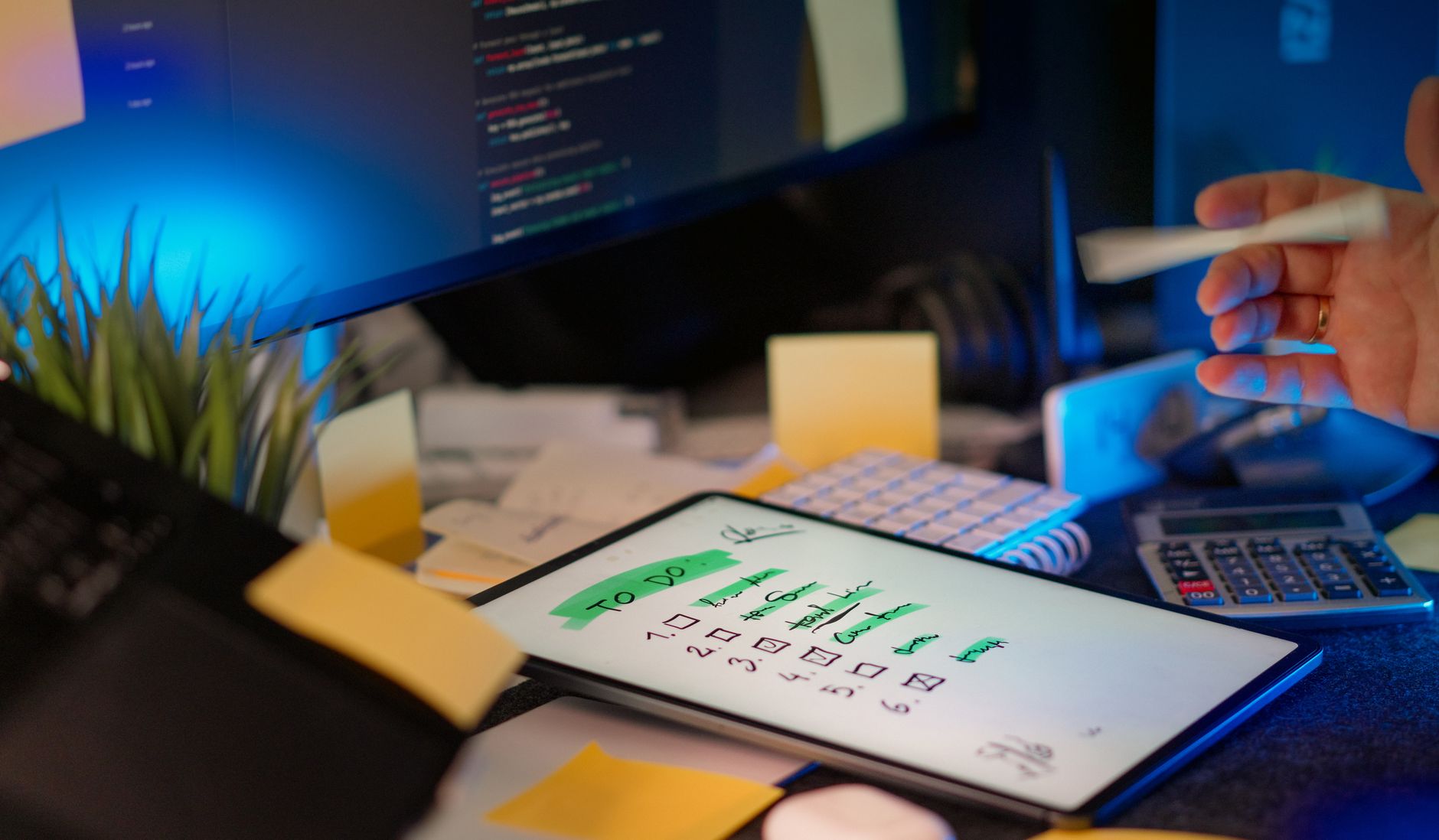
The Pen-and-Paper Experience
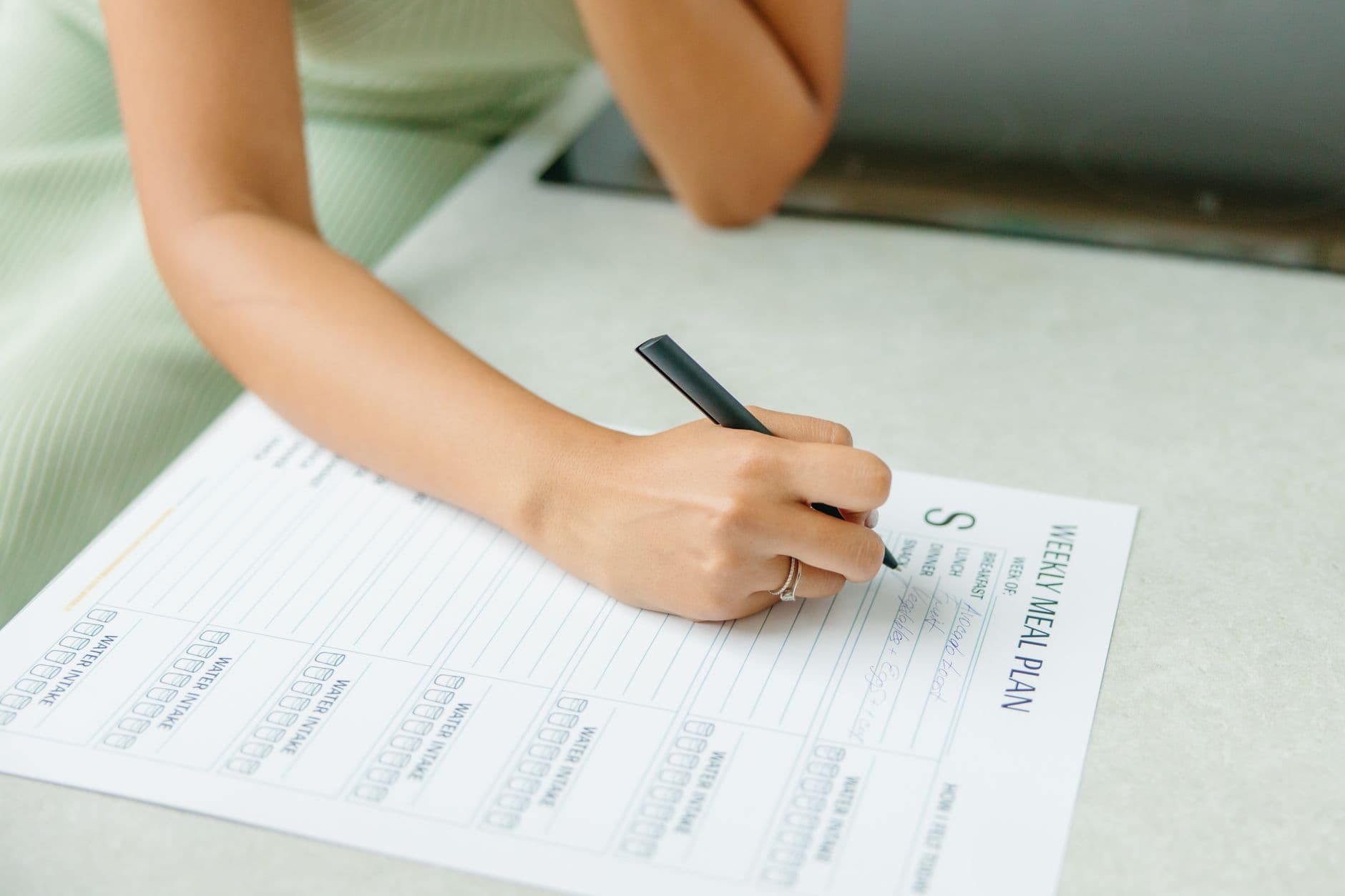
Switching gears, I spent another month using a simple paper planner. At $15, it was a low-cost commitment compared to some paid digital apps. Each morning, I spent about 10 minutes jotting down tasks, typically listing about 12-15 items. The physical act of writing seemed to help with memory retention and focus, and crossing off tasks was immensely gratifying. However, the limitations were apparent—I couldn't add tasks on the go as effectively, and without digital reminders, I occasionally forgot to complete lower-priority tasks. Despite this, my productivity increased by about 20% due to minimized distractions.
Interestingly, I noticed that using different colored pens for different task categories (work, personal, errands) made the tasks stand out more, and I was more likely to complete them. This simple hack added a visually appealing layer to my lists, making them not only functional but also motivating. However, the lack of automatic reminders meant I had to consciously check my planner throughout the day, which was both a pro and a con depending on my schedule.
Digital vs Paper: The Showdown
To make a clear comparison, I looked at accessibility, time spent managing tasks, and overall productivity. After carefully considering these criteria, here's how they stacked up:
| Criteria | Digital To-Do List | Paper To-Do List |
|---|---|---|
| Accessibility | High (multiple devices) | Low (physical presence required) |
| Time Managing Tasks | 30 minutes/day | 10 minutes/day |
| Productivity Increase | 10% | 20% |
Practical Tips for To-Do List Success
Through my trials, I discovered several key strategies that can be applied regardless of your chosen method:
- Limit daily tasks to 10-15 items to stay focused and avoid overwhelm.
- Prioritize tasks by importance, not just urgency.
- Use themes for each day to focus on specific areas, such as 'Admin Monday' or 'Creative Thursday.'
- Review your list each evening to prepare for the next day, adjusting as necessary.
- If using digital tools, set app notifications to essential reminders only to avoid distractions.
FAQ: Maximizing Your To-Do List Strategy
Q: How do I decide which method is best for me?
Consider your lifestyle and preferences. If you're always on the go, a digital list might suit you better. If you prefer minimal distractions, paper could be the way to go.
Q: What if I miss a task?
Simply move it to the next day's list. It's important not to dwell on missed tasks but to keep moving forward.
Q: Can I combine both methods?
Yes, many people find success with a hybrid approach, using digital lists for scheduling and paper for daily task management.
Q: What if my list becomes too overwhelming?
Trim it down. Focus on what's truly necessary and delegate or defer less critical tasks. Consider using a priority matrix to identify what tasks need immediate attention.
EditorialOur Take
After months of testing, I found that while digital tools offer unmatched convenience and accessibility, a simple paper planner kept me more focused and less distracted. The physical act of writing and the pleasure of crossing things off had a surprisingly powerful effect on my productivity. Digital lists are great for complex projects requiring coordination and reminders, but for day-to-day tasks, paper felt more intuitive. If you're easily distracted by screens or notifications, give paper a try—you might be surprised by how much it can simplify your life. However, if you need to manage collaborative projects or have tasks that require regular rescheduling, digital tools might be more beneficial. Ultimately, it's about finding what resonates with your personal workflow and adapting it to suit your ever-changing needs.
Published on .
Share now!

Noah Parker
Routines & Habits Writer
Noah Parker writes about daily routines and the small habits that keep a home running. He is naturally messy and has built his routines specifically for people who don't enjoy chores. Noah shares what keeps things calm on ordinary weekdays. Noah uses AI tools to research, draft, and help keep these articles accurate.
More from Noah →The information on this site is of a general nature only and is not intended to address the specific circumstances of any particular individual or entity. It is not intended or implied to be a substitute for professional advice.
Get our best tips in your inbox
A short, practical email now and then. No spam, and you can unsubscribe anytime.